
Workspaces & scope
Fabric organizes everything under the scope hierarchy organization → department → project. When you connect an agent, you connect it to a workspace, which maps to a project.
The hierarchy
Section titled “The hierarchy”| Level | Role |
|---|---|
| Organization | The tenant boundary. |
| Department | A first-class business-unit layer that can tighten — but never loosen — the grants it inherits. |
| Project | The unit an agent’s credentials are pinned to; surfaces as a workspace (ws_<project>). |
Every object carries its scope; the active scope flows on every request; the server rejects any request whose scope the caller cannot access. Retrieval data is physically isolated per project.
Switching scope in the console
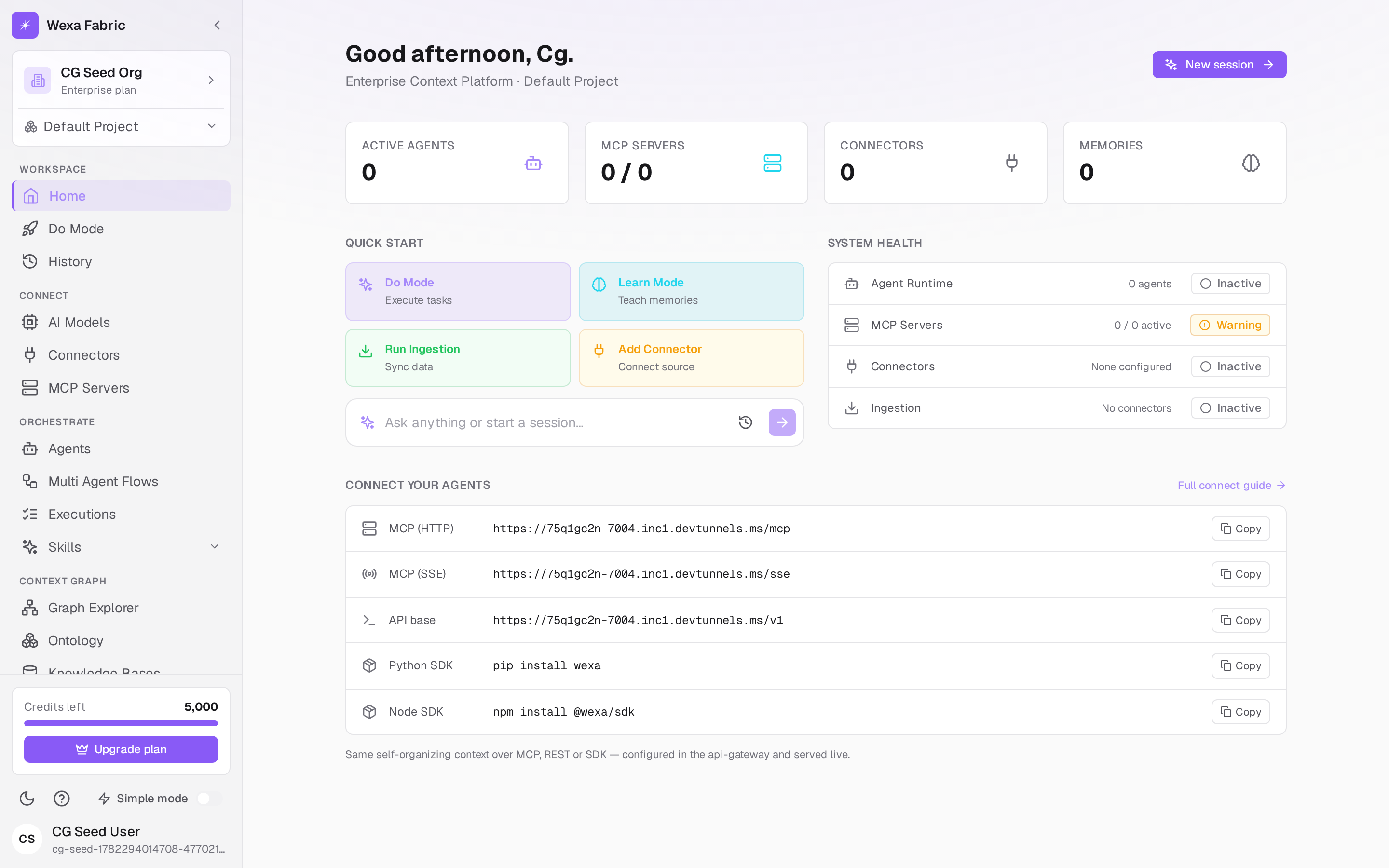
Section titled “Switching scope in the console”The sidebar’s scope selector (Switch project) lets you change the active project; New project takes you to Settings → Projects to create one. The active org / department / project flows on every request you make from the console.
Workspaces in the connect flow
Section titled “Workspaces in the connect flow”In Simple Mode, the workspace selector lists the projects you can access. Selecting one re-keys your credentials and snippets to that workspace’s ID.