
Knowledge base & tables
Beyond connectors, Fabric gives you two ways to bring data into a project directly: the Knowledge Base (files) and Tables (structured rows). Both feed the context graph.
Knowledge base
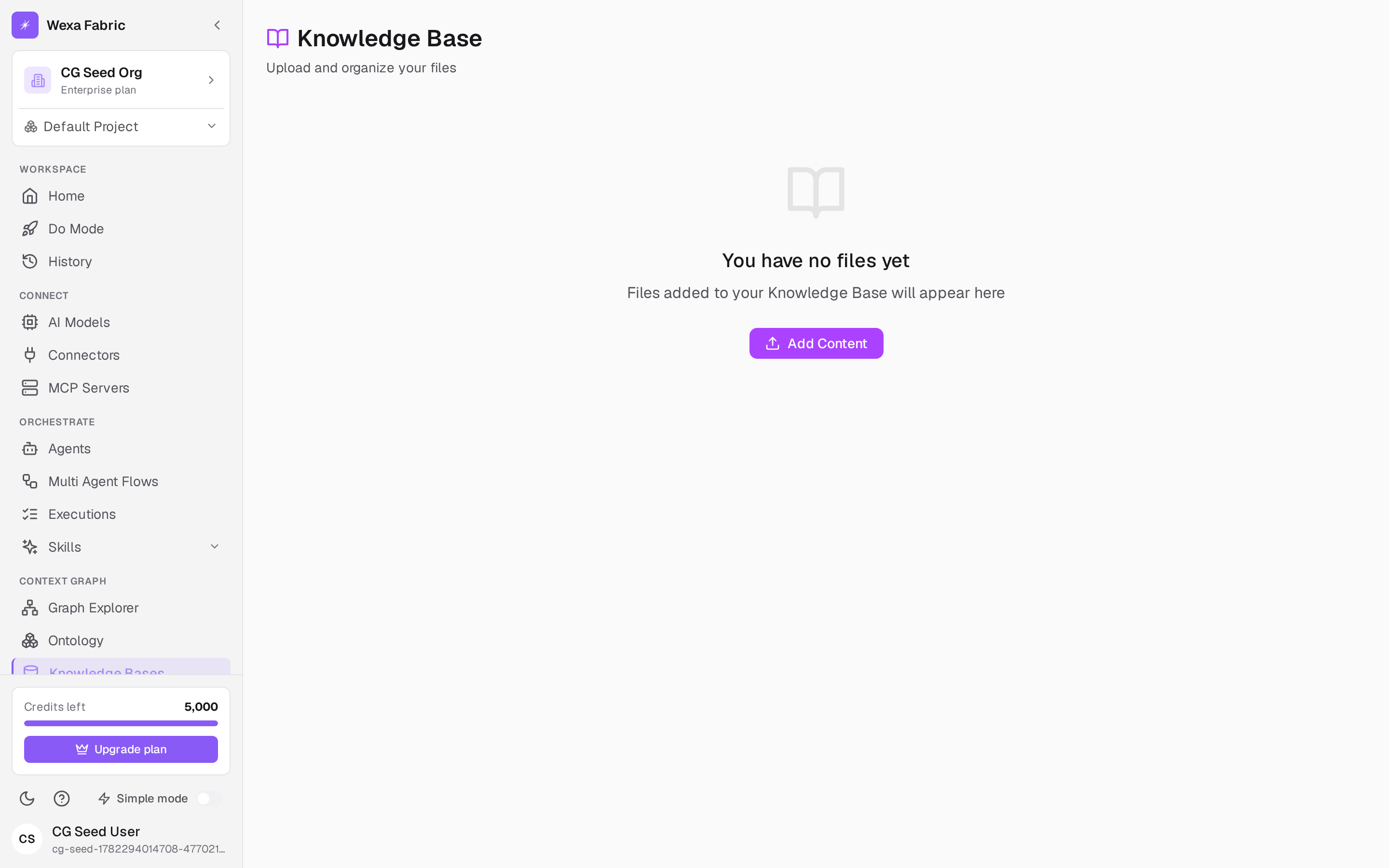
Section titled “Knowledge base”Open Context Graph → Knowledge Base. The header reads “Knowledge Base — Upload and organize your files.”
- Click Add to upload files.
- Use the toolbar to search, sort (Newest / Oldest first), and switch between grid and table views.
- An empty project shows “You have no files yet” with an Add Content button.
Uploaded content is chunked, embedded, and woven into the context graph so agents can retrieve it.
Tables
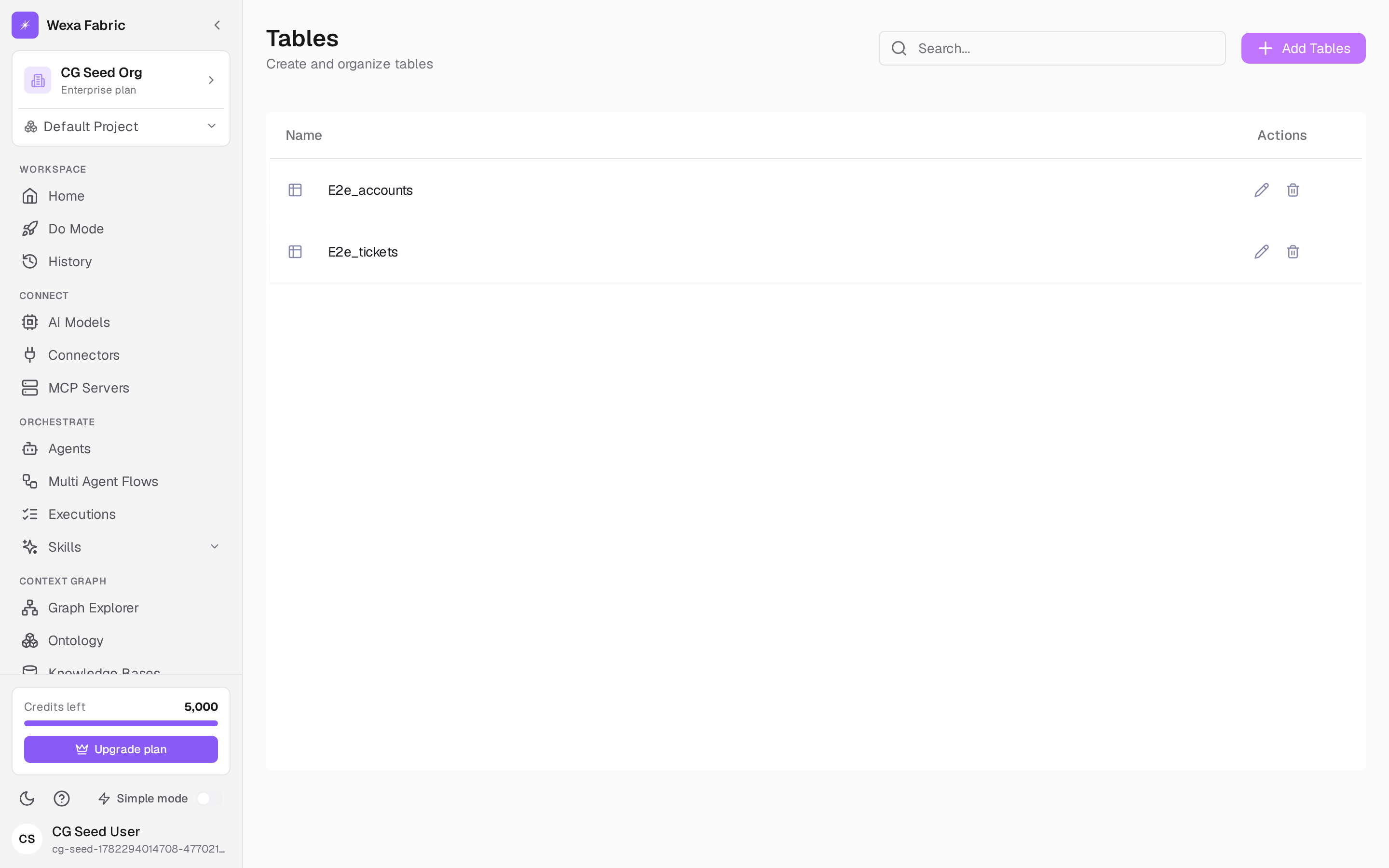
Section titled “Tables”Open Context Graph → Tables. The header reads “Tables — Create and organize tables.”
- Click New Table to create one.
- An empty project shows “You have no tables yet — Create a new one and manage it here.”
- Open a table to manage its rows.
Related
Section titled “Related”- Context graph explorer — see how this data connects.
- Connect a connector — bring data from external systems.