
Add skills
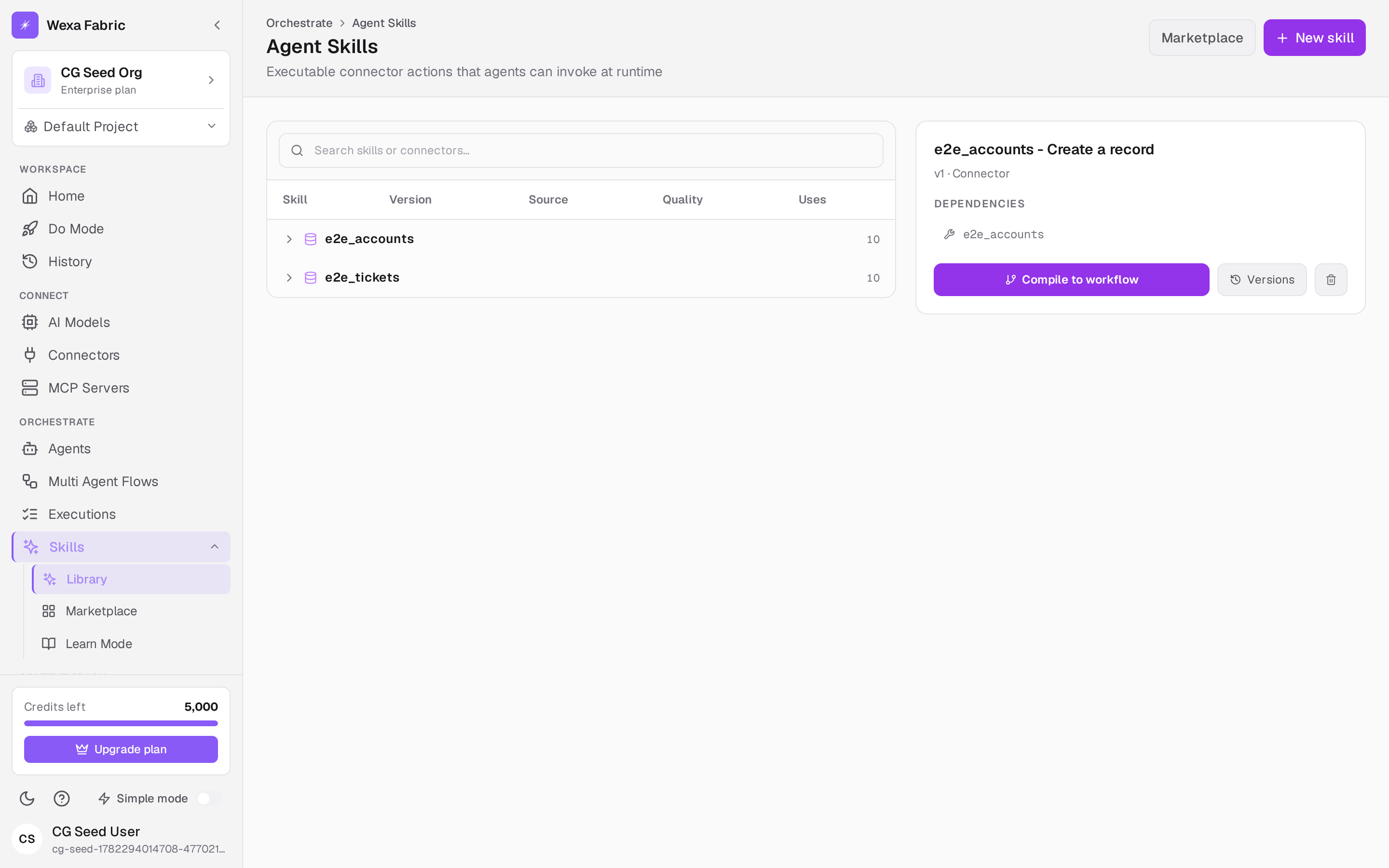
Skills are the executable actions an agent can invoke at runtime — most often a connector action wrapped as a governed tool. Open Orchestrate → Skills. The header reads “Agent Skills — Executable connector actions that agents can invoke at runtime.”
Add a skill
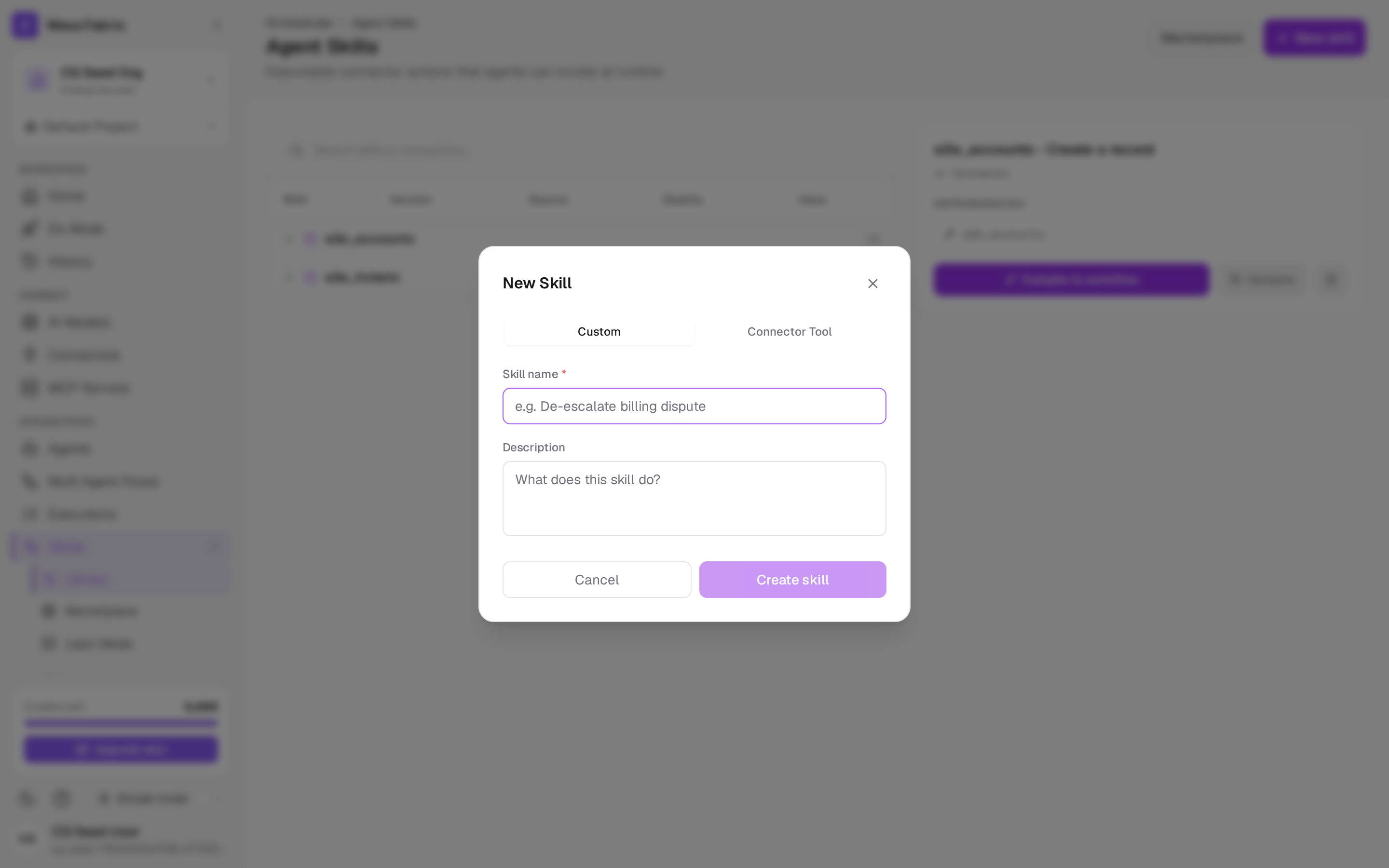
Section titled “Add a skill”Click New skill. The New Skill dialog opens with two modes:
Connector tool (most common)
Section titled “Connector tool (most common)”Wrap a synced connector’s action as a skill:
| Field | Notes |
|---|---|
| Connector * | Choose a synced connector (see Connect a connector). |
| Action * | Pick one of that connector’s actions. |
| Skill name * | Auto-filled from the action; editable. |
| Description | Auto-filled; editable. |
Custom
Section titled “Custom”Define a skill by hand:
| Field | Notes |
|---|---|
| Skill name * | e.g. “De-escalate billing dispute”. |
| Description | What the skill does. |
Click Create skill. It appears in the skills library, where the table shows Skill, Version, Source, Quality, and Uses. Select a skill to see its dependencies and evaluation, and to Compile to workflow or manage Versions.
Install from the marketplace
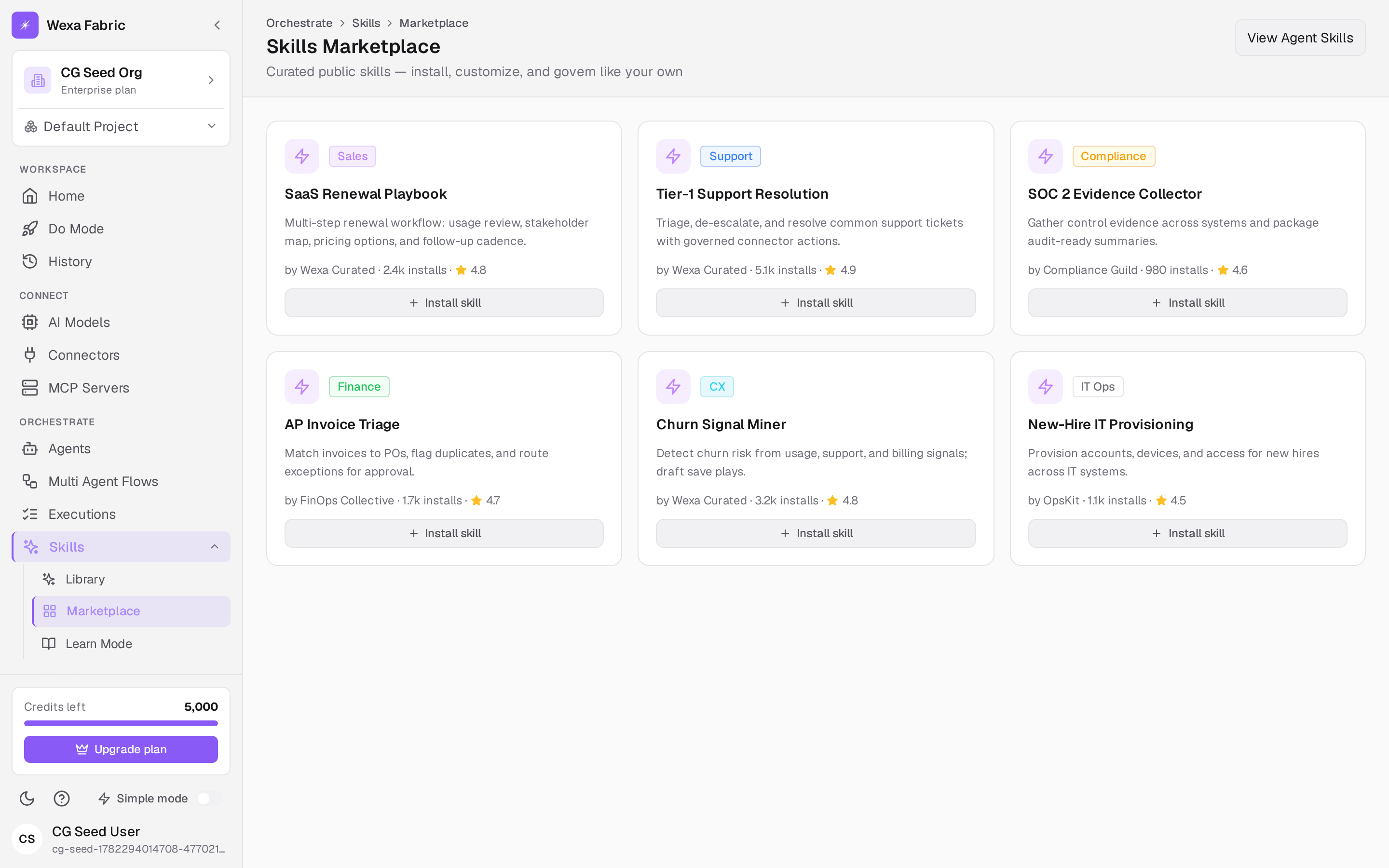
Section titled “Install from the marketplace”Click Marketplace (or go to Skills → Marketplace) — “Skills Marketplace — Curated public skills — install, customize, and govern like your own.” Browse the catalog and click Install on any skill; it’s added to your project’s library, governed like your own.
Related
Section titled “Related”- Connect a connector — sync the connector a skill wraps.
- Create an agent — attach skills to an agent.