
Action registry
The Action Registry is the catalog of every action agents can take — each one versioned, ontology-linked, and lifecycle-governed. Open Actions → Action Registry. The header reads “Action Registry — Every action agents can take — versioned, ontology-linked, lifecycle-governed.”
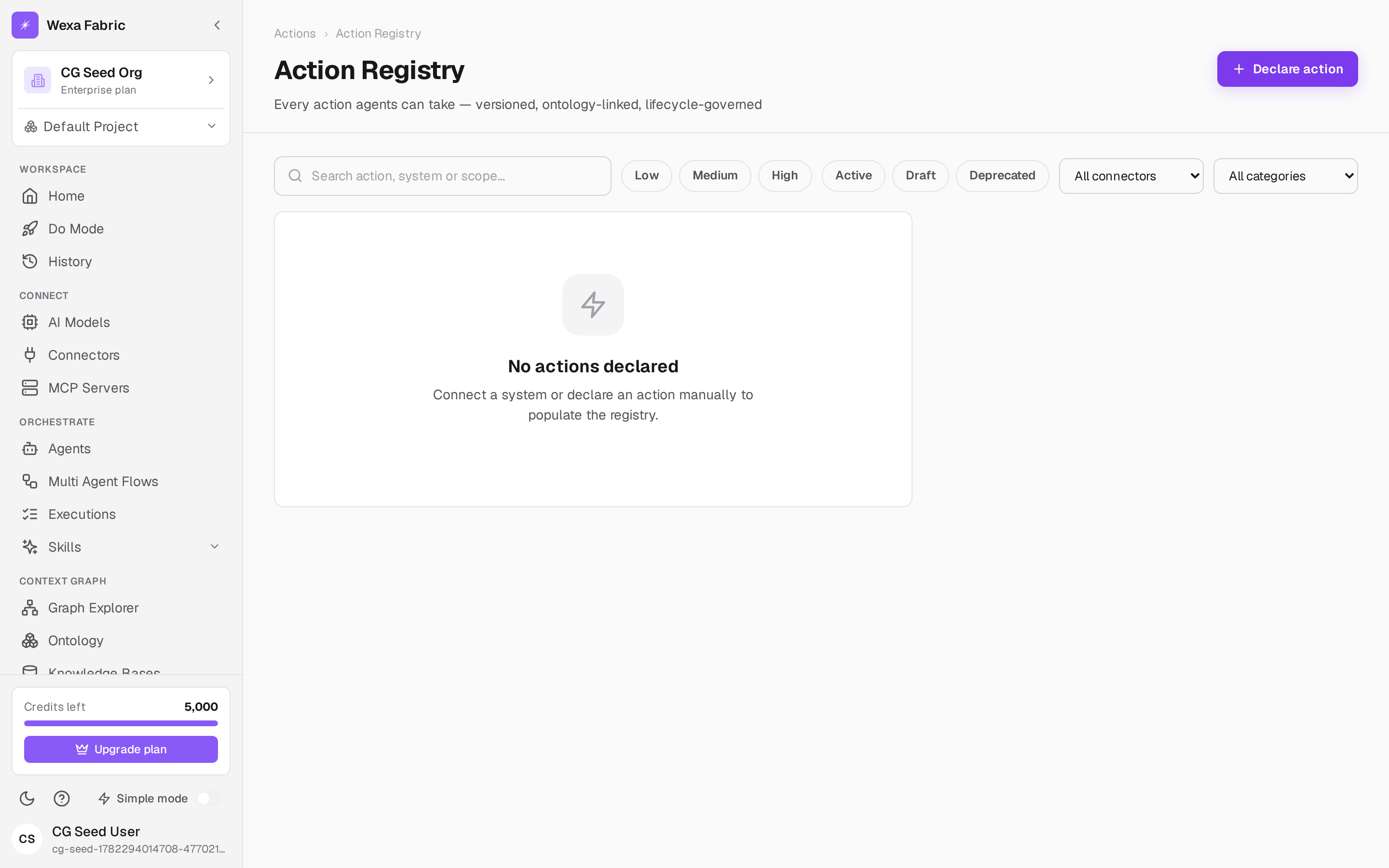
Actions appear here as connectors are synced (their operations become governed actions) and as you declare your own. A synced connector populates the registry with that system’s actions; until you’ve synced a connector, the registry may be sparse.
What an action definition contains
Section titled “What an action definition contains”Selecting an action shows its full definition:
- Name (dot-namespaced, e.g.
payments.refund) and Version (semver). - Owning system (e.g. Stripe).
- Affected ontology entities and required scopes.
- Declared side effects (e.g. “Moves money”).
- Risk (Low / Medium / High) and Status (Draft / Active / Deprecated).
If an action is gated, a banner reads: “Approval gate required — this action routes through a human checkpoint before it can commit.” See Approval gates.
Declare an action
Section titled “Declare an action”-
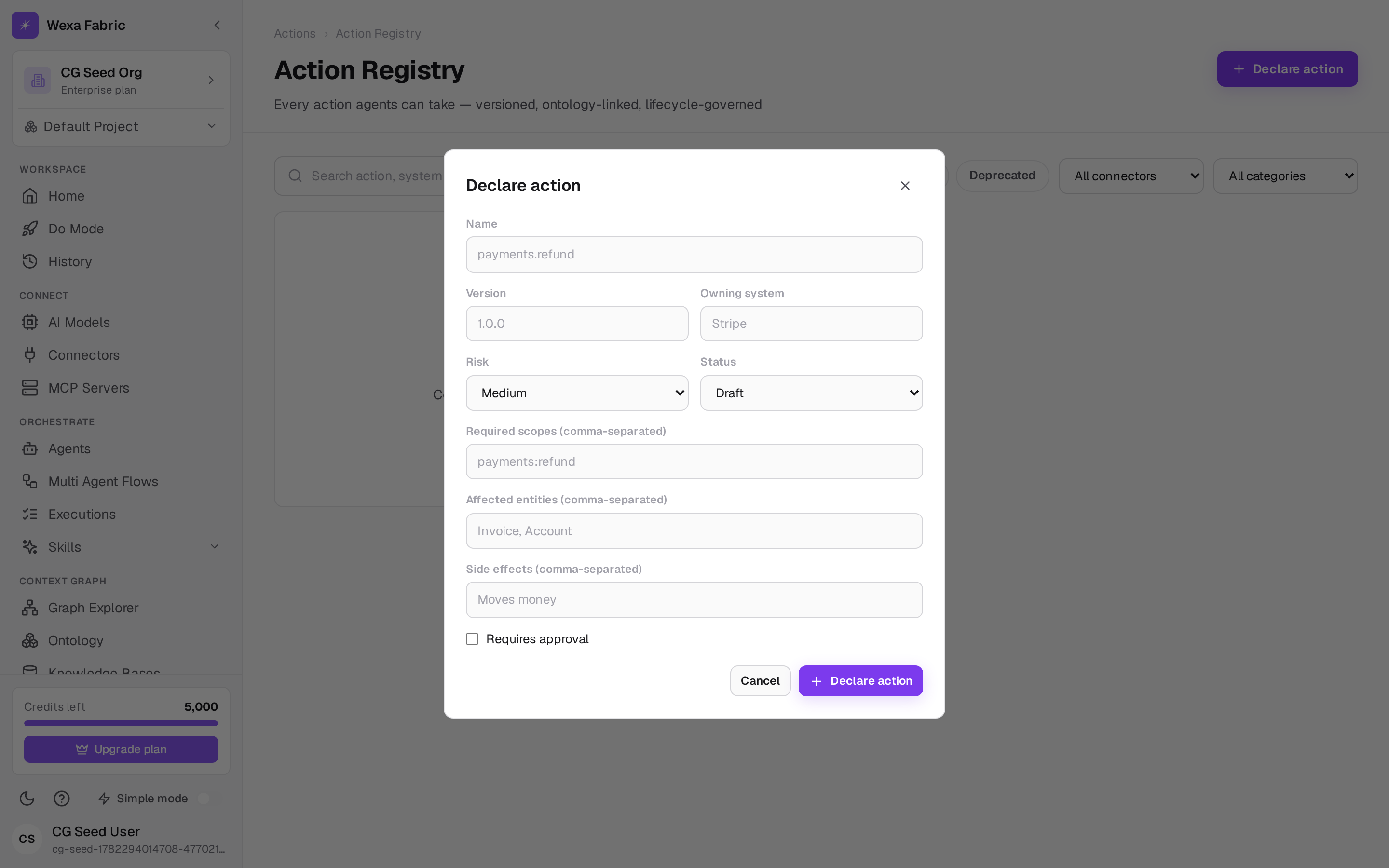
Click Declare action. The Declare action dialog opens.
-
Fill in the fields:
Field Example Name * payments.refund(dot-namespaced)Version * 1.2.0(semver)Owning system * StripeRisk Low / Medium / High (default Medium) Status Draft / Active / Deprecated (default Draft) Required scopes payments:refund(comma-separated)Affected entities Invoice, Account(comma-separated)Side effects Moves money(comma-separated)Requires approval Check to force a human gate -
Click Declare action.
Lifecycle
Section titled “Lifecycle”From an action’s detail panel you can Dry run it (preview with no side effects — see Simulation), view its Changelog, Promote a draft to Active, or Deprecate it. Every change is versioned and audited.
Related
Section titled “Related”- Approval gates — route high-risk actions through a human gate.
- Simulation — dry-run an action before it commits.