
Approval gates
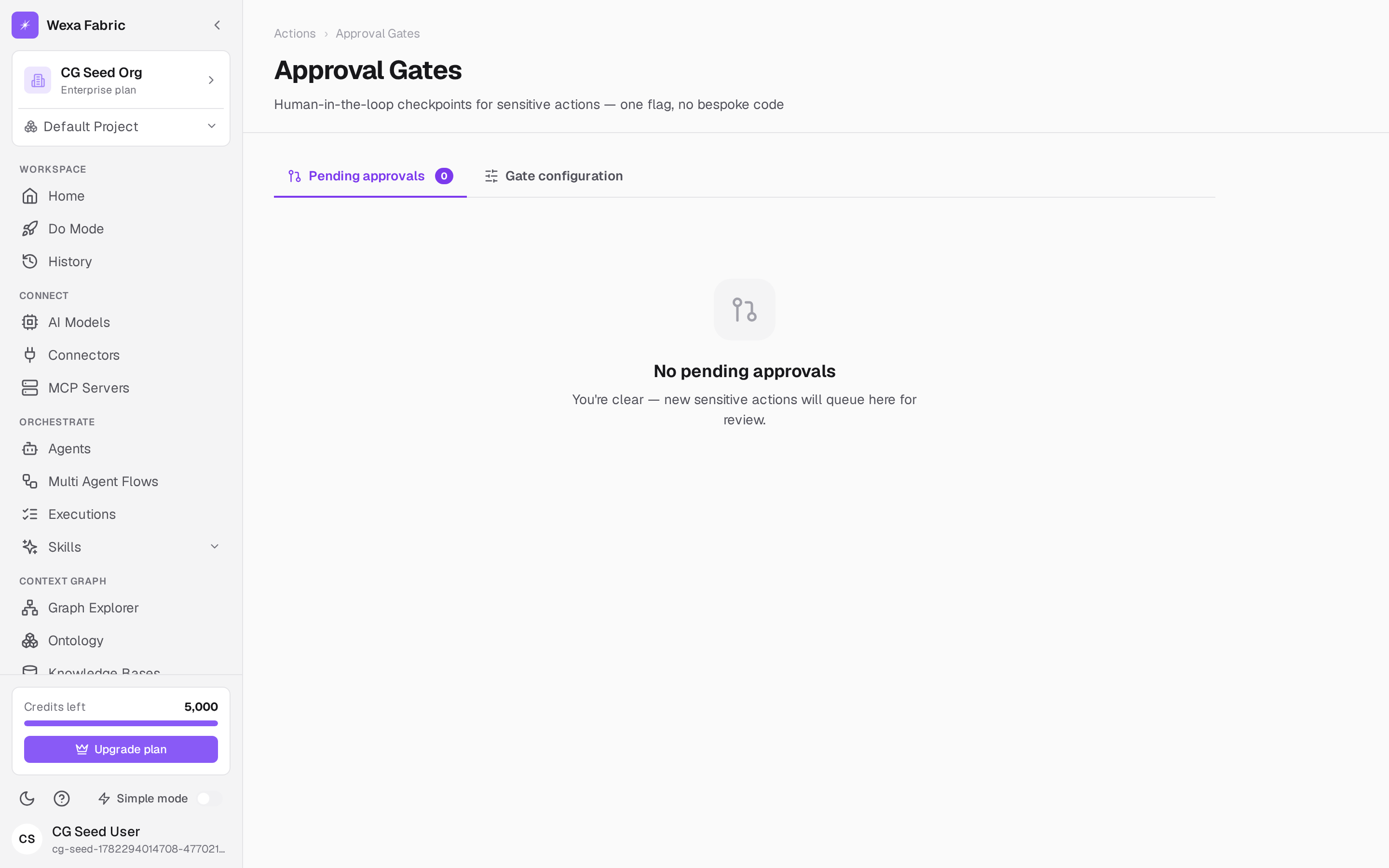
An approval gate is a human-in-the-loop checkpoint: when an agent proposes a matching action, it pauses for an administrator to approve or reject before anything runs. Open Actions → Approval Gates. The header reads “Approval Gates — Human-in-the-loop checkpoints for sensitive actions — one flag, no bespoke code.”
The page has two tabs: Pending approvals (the live queue) and Gate configuration (where you add and manage gates).
Add a gate
Section titled “Add a gate”-
Open the Gate configuration tab.
-
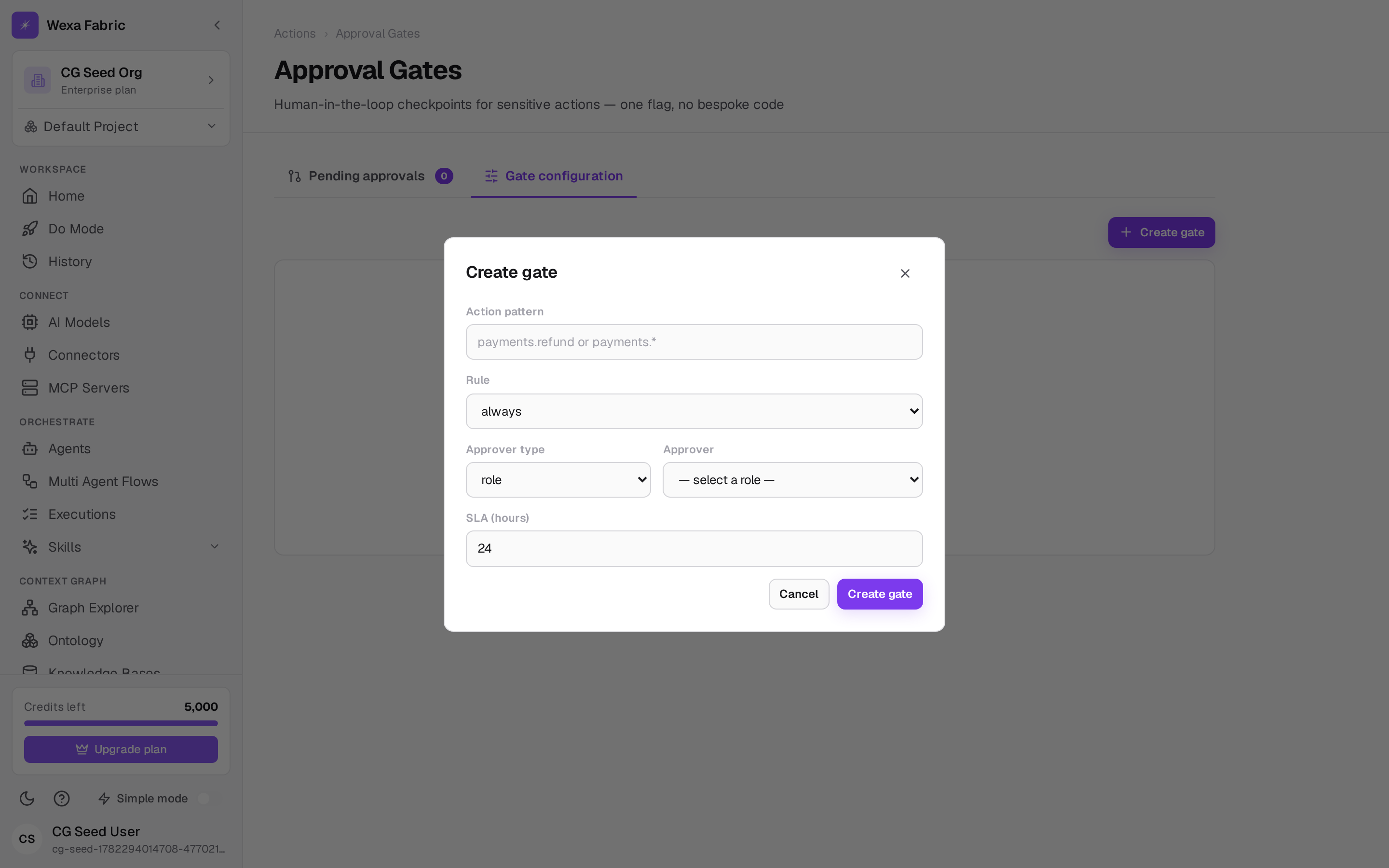
Click Create gate. The Create gate dialog opens.
-
Fill in the rule:
Field Notes Action pattern Which actions this gate applies to — an exact name ( payments.refund) or a wildcard (payments.*).Rule always (gate every match) or expression (gate only when a condition holds). Condition Shown when Rule = expression — e.g. an amount threshold ( amount > 1000).Approver type role, user, or group. Approver The specific role / user / group that must approve. Roles include Super Admin, Org Admin, Compliance Officer, Dept Admin, Power User, and project roles (Owner, Admin, Editor, Viewer). SLA (hours) How long the request waits before it’s overdue (default 24). -
Click Create gate. The gate appears in the configuration table (Action, Gate rule, Approver, SLA), where you can edit or remove it.
The pending queue
Section titled “The pending queue”The Pending approvals tab shows live requests as cards: what the action is, why, the requesting agent, the approver, the risk level, how long it’s been waiting, and the SLA status. Each pending card has Approve, Reject, and Full context; decided requests show a status pill (Approved — executing / Rejected — agent notified).
This is the configuration side of the same gate a user resolves inline during a run — see Run an agent & approvals.
How gates relate to actions
Section titled “How gates relate to actions”A gate matches actions from the Action Registry. You can also force a gate directly on an action by checking Requires approval when you declare it. High-risk actions always route through a gate — a platform-wide invariant.