
Multi-agent flows
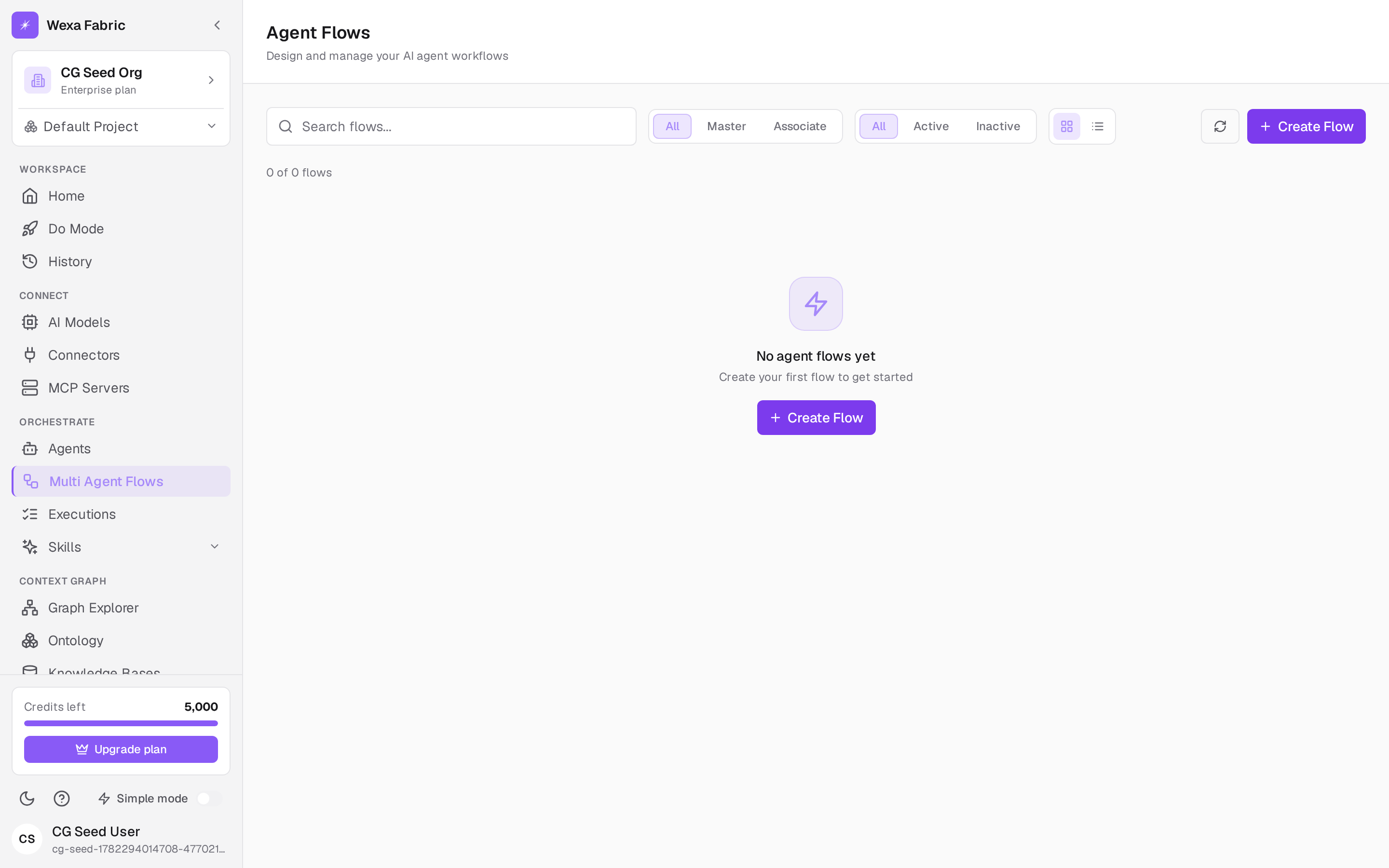
A multi-agent flow (a process flow) coordinates several agents to get a larger job done — one master flow orchestrating associate flows. Open Orchestrate → Multi Agent Flows. The header reads “Agent Flows — Design and manage your AI agent workflows.”
Create a flow
Section titled “Create a flow”-
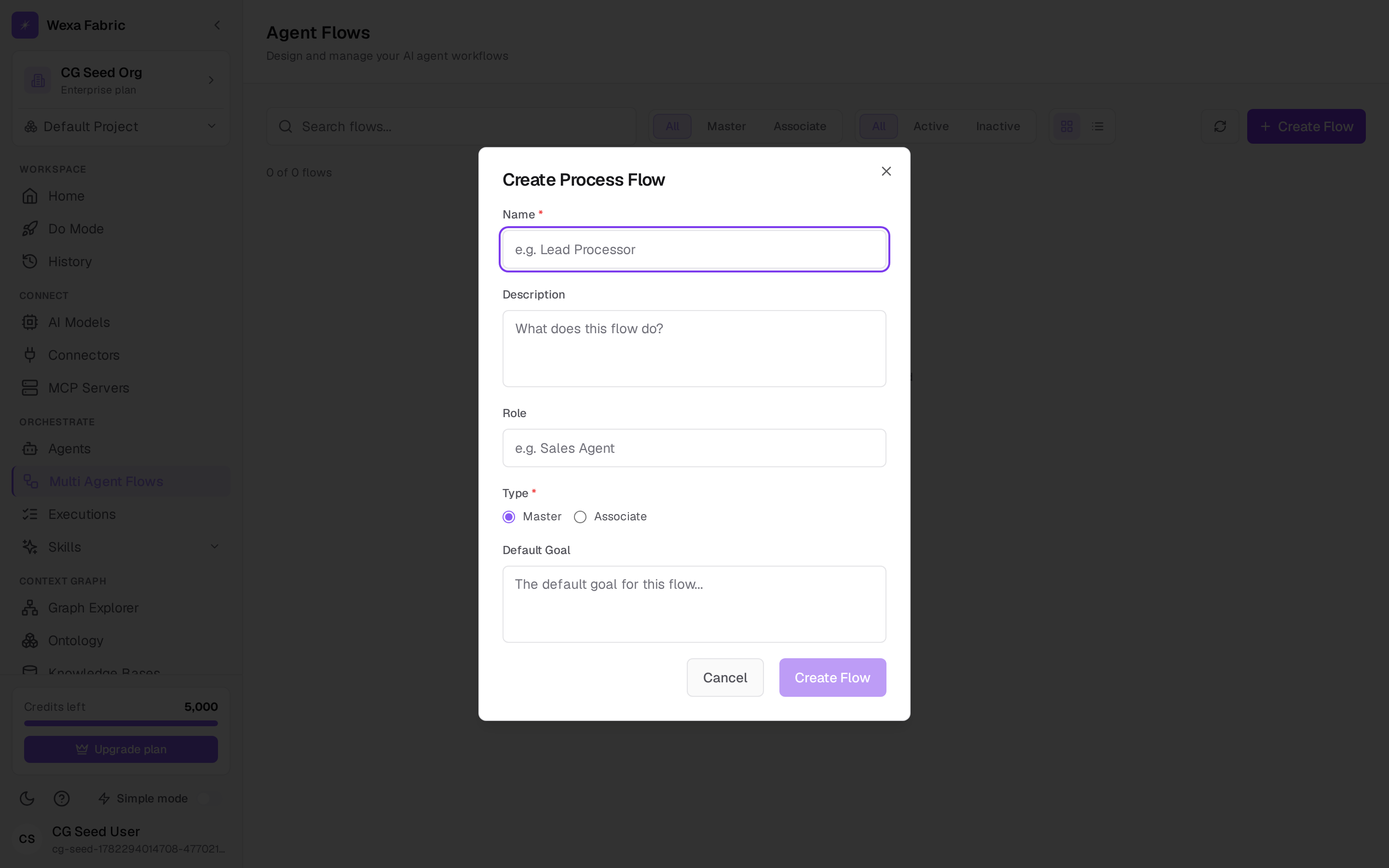
Click Create Flow. The Create Process Flow dialog opens.
-
Fill in the fields:
Field Notes Name * e.g. “Lead Processor”. Description What the flow does. Role e.g. “Sales Agent”. Type * master (orchestrates others) or associate (a step within a master). Default Goal The default goal the flow runs with. -
Click Create Flow. You land in the flow builder at
/orchestrate/process-flows/{id}.
Build and run
Section titled “Build and run”In the builder you assemble the flow — adding agents and wiring the steps — then run it the same way you run a single agent: give it a goal and watch it execute, with the same governed pipeline and approval gates applying to every step.
Manage flows
Section titled “Manage flows”The flows view supports search (“Search flows…”), filtering by type (master / associate) and status (active / inactive), grid/list views, and per-card actions (toggle active, duplicate, delete).
Related
Section titled “Related”- Create an agent — the agents a flow orchestrates.
- Run an agent & approvals — how runs and approvals work.