
Connect a connector
Connectors wire your estate into Fabric. Each of the 85+ connectors ingests data into the context graph and exposes read/write operations as governed tools carrying risk, scope, and data-classification metadata. Connectors are project-scoped.
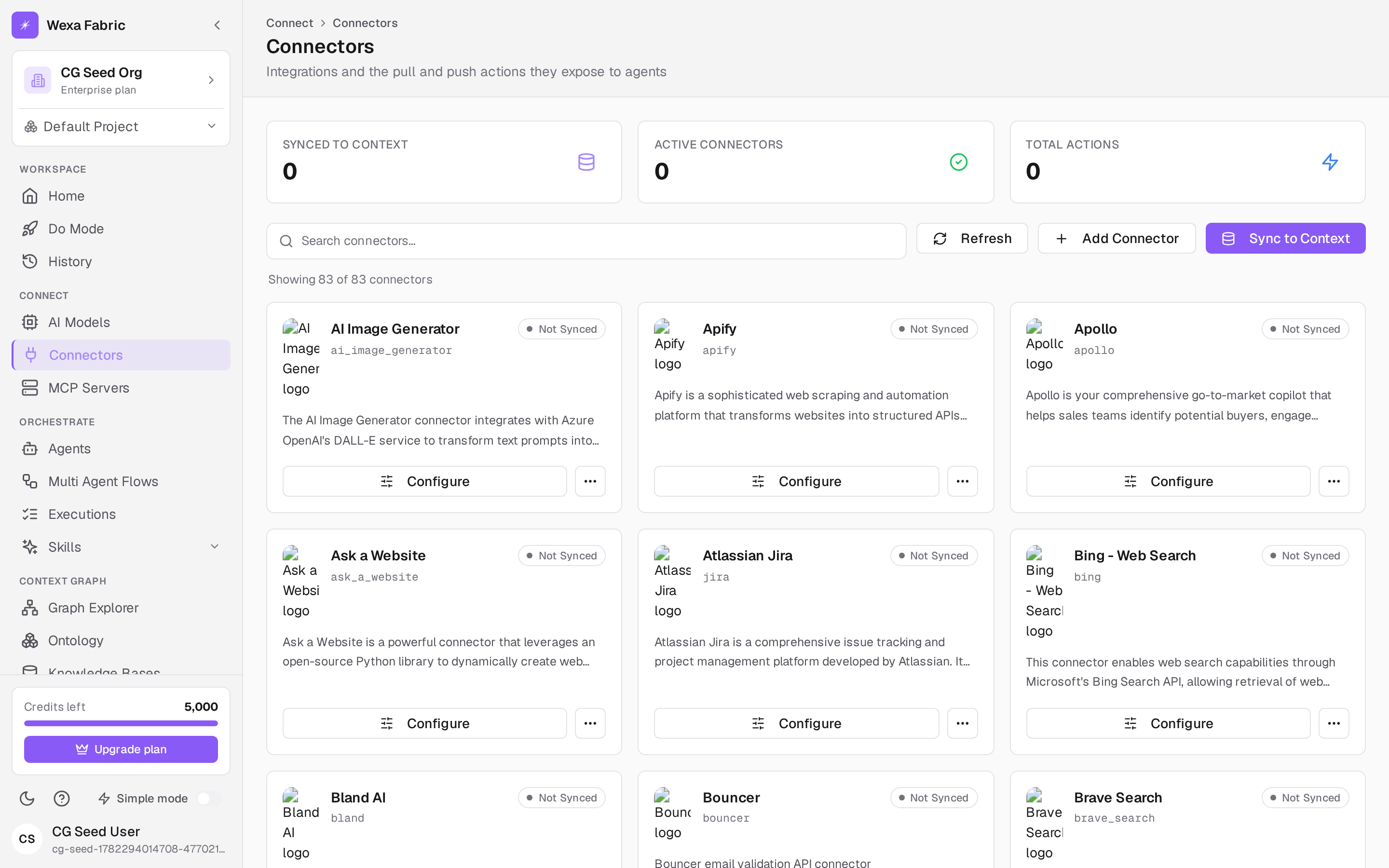
Open Connect → Connectors. If no project is selected you’ll see “Select a project — Connectors are project-scoped; pick a project in the context bar.”
Install a connector
Section titled “Install a connector”- Click Add connector and choose one (for example GitHub or Slack). Use the search box to filter by name; the page shows “Showing X of Y.”
- Click Configure and complete the connector’s install form (credentials, scopes). Credentials are encrypted and stored in the vault.
- Click Sync to context to ingest. The card shows Syncing…, then Synced when the data has landed in the context graph.
After it’s synced
Section titled “After it’s synced”- A Synced badge appears on the card.
- View mappings opens the field-level source-to-concept mappings that feed ontology review.
- The connector’s actions become available to agents as skills, gated through policy, simulation, and approval.
- Re-sync, edit, or delete from the card menu.
Related
Section titled “Related”- Ontology review — review the mappings a sync produces.
- Create an agent — attach connector actions as skills.